 Podcast Clip Kit
Do Podcast Clips Get More Listeners? Evidence & a Test
A growing show, a promising result, and a question every podcaster should ask: what actually brought the audience in?
Podcast clips can help people discover an episode and decide whether to try the show. The useful question for your next release is more specific: which clip brings people to the conversation you want them to hear, and what will you change after seeing the result?
Start with a real creator experience, then turn it into a test you can run with your own video podcast. Keep the clip, its destination and the intended next action together from the first editing brief.
The month that surprised Matt and Abby
In its September 2025 Unplanned Podcast case study, Spotify reported a 35% month-over-month increase in revenue and new users during the show's first month in its Partner Program, from March to April. Matt and Abby had already spent two years building an audience. Matt thought newly publishing Spotify clips probably helped: viewers could sample a conversation before committing to a longer episode.
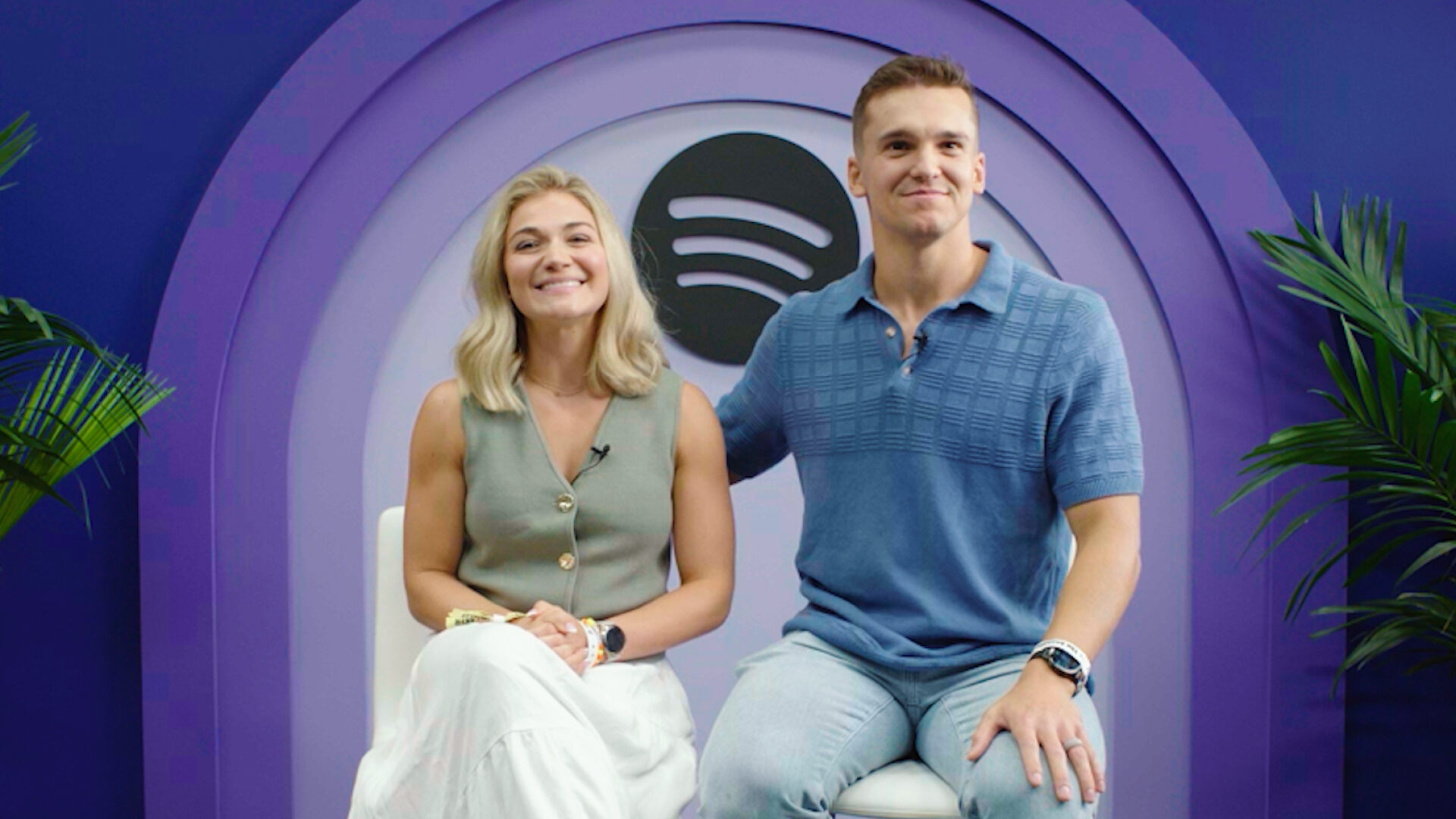
The same account describes distributing video across platforms and connecting with an existing community. That makes the result a useful reason to test clips, while leaving their individual contribution unmeasured. The practical idea is straightforward: give someone a meaningful sample, then a clear route to the episode.
What listeners say they do after a clip
In The Podcast Atlas: The Front Door, published July 2026, 30% of surveyed clip viewers said clips often or always led them to watch a specific episode; 33% said they often or always became regular listeners. These are reported habits, not a conversion rate for a clip impression. You cannot multiply your views by 30% to forecast new listeners.
The overall study covered 5,061 U.S. adults who had used at least one ad-supported creator or media platform in the previous 30 days. The clip-viewer results describe a subgroup within that research.
The report also asks how people recognize that a full episode exists. A creator mentioning it and an on-screen title identifying it each received 43%. Use that finding to inspect your own export: could an unfamiliar viewer identify the show and locate the promised conversation?
When the clip is the audience's destination
In an April 2026 Galaxy Brain interview with Charlie Warzel, Prof G Markets co-host Ed Elson describes meeting people who recognized him from clips but did not listen to his podcast. He says his team produces at least two clips per episode and began reconsidering their role as advertisements: for some viewers, the excerpt itself is the experience.
Before your next export, choose which outcome you want to learn about. Use this editorial comparison to keep a short video's own performance separate from activity on the full episode.
| Primary goal | Editing brief | Review separately |
|---|---|---|
| Deliver a useful standalone clip | Keep enough context to understand one answer and reach its conclusion. | How viewers engage with the short itself, using the platform's exact metric definitions. |
| Bring viewers to a specific episode | Deliver a meaningful sample and identify the next question the episode answers. | Whether the route works and what episode activity the available reporting records. |
| Introduce a recurring show | Make the subject, voices and show identity recognizable. | Follow or return-viewing signals, recorded apart from episode listening. |
On YouTube, Shorts views have counted starts and replays without a minimum watch time since March 31, 2025. The separate Engaged views metric records viewers who continued watching. Use the label shown in Analytics when comparing exports. Check YouTube's current view definitions.
Write the primary goal in your clip brief before publishing. At review time, report the short's results and the episode's results on separate lines. If a clip receives attention but you cannot observe subsequent listening, keep that listening field marked unknown. Then decide whether to improve the episode invitation, keep serving the short-form audience, or test both goals with clearly labeled versions.
A podcast clip maker can help you prepare candidates for either brief. When reviewing them, ask two questions independently: does the selected moment deliver something worthwhile here, and does the invitation accurately explain what the longer recording adds?
Choose the next action before choosing the clip
A podcast clip maker gives you material to review. Your brief gives that material a purpose. Before selecting a moment, write one sentence naming the viewer, the question and the next action.
- Introduce the show: pick a moment that makes its subject and conversational style understandable to a newcomer.
- Bring someone to one episode: choose a question whose next useful layer is in that specific recording.
- Encourage a return visit: connect the moment to a recurring subject or format viewers can find again.
Then ask what the longer episode adds. It might explain the reasoning behind an answer, develop a second perspective or follow the consequences of a decision. Write that benefit into the destination note. A generic invitation to watch more leaves the editor without a clear handoff.
Make the route to the episode work
On YouTube, you can add a related video to a Short in Studio: open Content, select the Short, choose a related video from your channel and save. YouTube's current instructions require advanced-feature access and a public or unlisted destination. Viewers see the link below the channel handle. Check that it opens the episode your clip promises.
Spotify connects a Clip to an episode and currently allows one Clip per episode. Its Clips documentation defines “plays from clips” as activity within 24 hours of viewing the clip. That is a useful platform signal to record alongside your publishing notes.
Check the viewer's route after publishing, including the episode title and description. A correct link can still lead to an unclear destination. Keep the topic and guest recognizable across the clip and full episode, and avoid pointing a specific promise at a generic show homepage when a direct episode route is available.
Run a comparison that answers one question
For a first exploratory comparison on a platform that supports multiple short posts, use one episode to create two versions: a complete answer and a preview of a question the episode explores further. Keep the guest, destination and central topic aligned. Our highlight-versus-trailer guide can help define the difference.
Write down which difference you are testing. If the versions also change topic, length, opening style, captions and posting channel, a result will be difficult to turn into a useful editing decision. Keep as many of those choices stable as practical.
For Spotify's single Clip slot, select one version for the episode. Compare patterns across later, similar episodes, recording changes in topic and audience exposure. Avoid treating a replacement upload as a clean head-to-head test: its timing and viewers can differ.
Pick the reporting checkpoints before publishing. For example, review each post after the same number of days, rather than comparing one day's results with another post's full week. This reporting schedule is separate from a platform's attribution window. Record both.
A short brief to complete before export
- Audience question: what would make a new viewer care about this moment?
- Clip promise: what does this version deliver on its own?
- Episode payoff: what useful next layer is available in the destination?
- Route: the exact episode and the platform feature or link used.
- Comparison: the one editing choice you want to learn about.
- Review checkpoint: when you will record results and which metric definitions apply.
- Work required: editing and review time, recorded separately from background processing.
Leave result fields blank until data arrives. For the full measurement record, use the podcast clip analytics template. The brief here is for deciding what to publish and what you hope to learn.
Turn the result into the next editing decision
If the clip gets attention but you see little episode activity, check the route first. Then review whether the promise matches the destination and whether the clip explains why the episode is worth continuing. Choose one change for the next release.
If episode activity appears but viewers leave early, inspect the episode opening and the promised section. Look for a mismatch between what the short video introduces and what the full recording delivers. More clips would not fix that mismatch on their own.
If reach is very low, record that limited exposure and repeat before declaring a format unsuccessful. If a smaller clip brings useful episode activity, keep it in the comparison even when another post has a larger view count.
Use the results to make a modest, specific decision: keep the opening question, change the destination wording or review another format. Repeat across releases before committing your whole production schedule to one approach.
Prepare your next test with Podcast Clip Kit
Upload your video to Podcast Clip Kit, review the AI podcast clip candidates and select moments that fit your brief. Compare the opening and ending with the original recording, check the captions and framing, and export the versions you want to publish.
Keep each exported file paired with its episode destination and review notes. A podcast-to-shorts AI workflow becomes easier to learn from when every clip has a defined job and the next release reflects what you observed.