 Podcast Clip Kit
How to Review a Video Podcast for Audio-Only Listening
Check the spoken explanation and the on-screen explanation before publishing your episode and podcast clips.
Before turning a video podcast into Shorts, review it in two different ways: listen to the episode without watching, then watch the selected podcast clip with the sound off. The first check asks whether the conversation survives without pictures. The second asks whether the short video communicates its opening idea without audio. Each check can reveal a different editing problem.
Use this guide alongside your podcast clip maker to decide what belongs in the spoken explanation, what belongs in captions, and what needs to stay on screen. The result is a practical review brief for the episode and its promotional clips.
What Motion Society asks creators to preserve
In a September 2025 Spotify for Creators interview, Motion Society co-founders Thomas Subra and Jean-Loup Fraudin recommend making video podcasts easy to follow with or without visuals. They also describe using episode retention to reconsider elements such as the introduction, and emphasize clear storytelling, voice and pacing. Read the Motion Society interview ↗
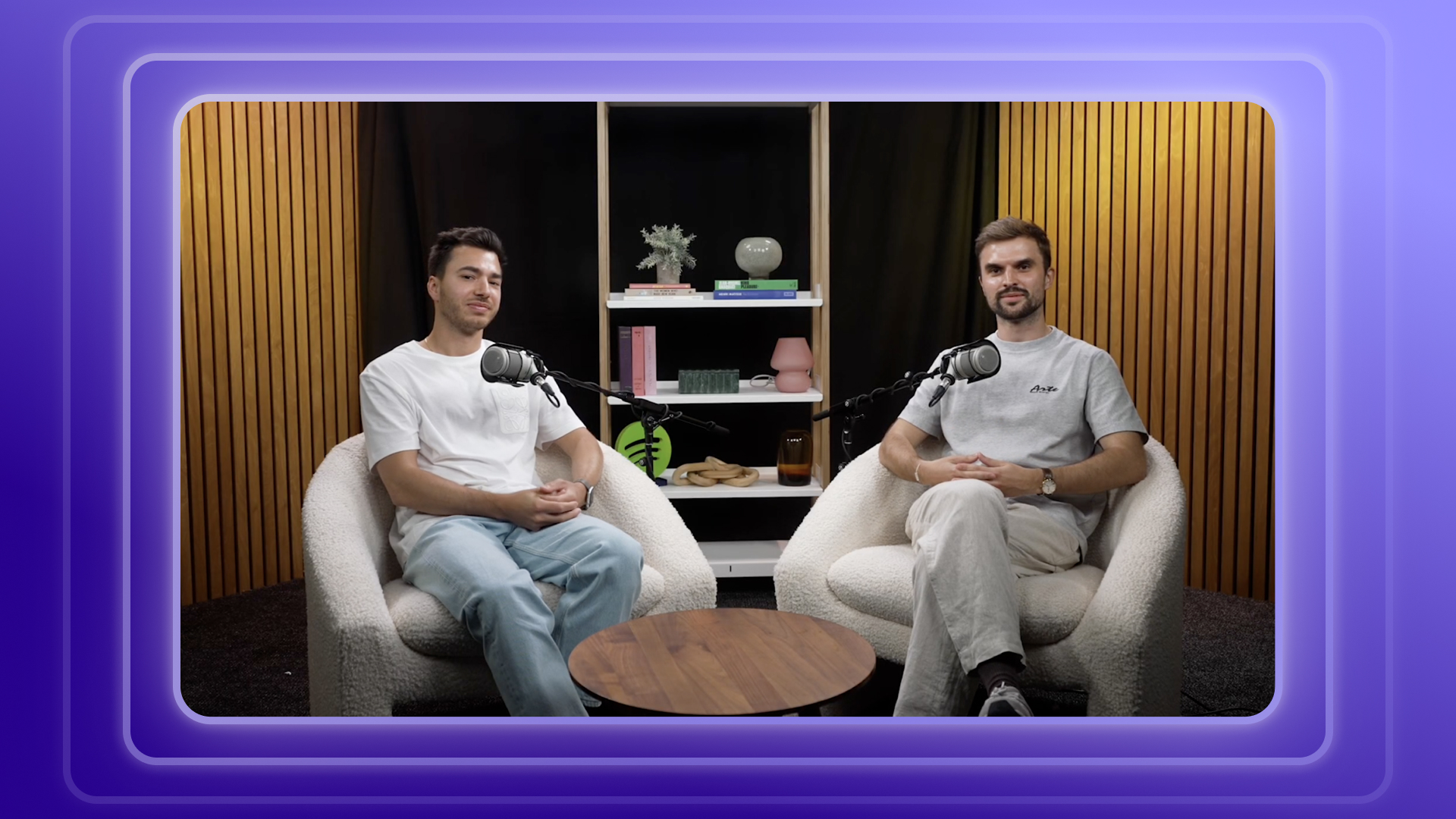
That gives an editor a useful question: if the viewer puts the screen away, does the explanation still make sense? A caption can clarify a name for someone watching. It cannot help someone who is only listening. Conversely, an excellent spoken explanation can become inaccessible in a muted promotional clip unless the relevant words are visible.
Why the episode and the clip need separate checks
Spotify describes video podcasts as something audiences can watch, hear as audio, or switch between. Its publishing documentation also says that video episodes distributed to other platforms through Spotify's distribution route appear there as audio-only episodes. These are concrete reasons to review the spoken version before treating the video master as finished. Read Spotify's video podcast guide ↗ · Check the publishing documentation ↗
For a short promotional video, reverse the test. Mute the candidate and check whether the first visible message introduces its subject. Do not assume a passing audio-only episode automatically produces a passing silent clip: one relies on spoken context, while the other needs visible context.
| Review mode | Question | Possible repair |
|---|---|---|
| Episode, screen hidden | Can a listener identify the person, object or change being discussed? | Restore the spoken setup or add a short explanation |
| Clip, sound muted | Can a viewer identify the topic and follow the key exchange? | Correct captions and add a concise opening label |
| Clip, picture and sound together | Do speech, captions and framing communicate the same idea? | Adjust timing, wording or the crop |
Listen for missing information, not just clear sound
For the audio-only pass, hide the player and listen to the section at its normal speed. Pause whenever you need the picture to answer a basic question. Record the timestamp and the exact missing information. A note such as “cannot identify which product they mean” is more actionable than “audio feels confusing.”
Start with these four categories. They are prompts for reviewing your recording, so keep only the ones that apply to the conversation:
- Unnamed references: words such as “this,” “that one” or “over here” whose meaning exists only on screen.
- Silent actions: a demonstration, gesture or reaction that explains why the conversation changes.
- Visual comparisons: a chart or before-and-after image whose important difference is never spoken.
- Missing setup: a reply that makes sense in the full conversation but loses its subject when isolated.
Choose the smallest repair that restores understanding. You might retain the host's question, include an earlier sentence that names the object, or record a brief introduction. When the demonstration itself is the reason to watch, keep the visual explanation in the video and write an audio introduction that accurately describes what listeners can follow.
Avoid solving a missing explanation by adding captions alone. Captions belong to the visual experience. Keep an audio-only review issue open until the spoken version supplies the information, or choose a different excerpt for a format that needs to stand on its own.
Mute the podcast clip and check its opening
Next, review the short video with sound off. Begin at the actual exported opening rather than a few seconds into the timeline. Read the first caption or title as if you had never encountered the guest. Can you name the subject before the conversation moves on?
Correct the transcript before styling the captions. Check names, numbers and negation especially carefully: a missing “not” can reverse the meaning. Then check whether captions remain readable when the speaker moves or another person enters the frame. If a caption covers the object being discussed, change its placement or keep a wider composition.
Use an opening label to orient the viewer, not to invent a stronger claim. If a speaker qualifies an answer later in the clip, preserve that condition in the visible wording as well as the audio. Our guide to choosing podcast clips walks through a real Sam Altman transcript example where the role being discussed changes the meaning of the answer.
Keep one review log with two independent results
Use the following review sheet for each candidate. Fill it with observations from the actual recording. An episode can pass the audio-only check while its promotional clip still needs caption work; keep those results separate so one approval does not hide the other task.
| Field | What to record |
|---|---|
| Source and time range | Episode, file version and the section being reviewed |
| Audio-only finding | Information missing when the screen is hidden, or a clear pass |
| Muted-clip finding | Information missing when sound is off, or a clear pass |
| Repair | The sentence, caption or framing change required |
| Final export check | Reviewer, version and the result of both checks after the change |
Recheck the exported file after making a repair. Restoring a setup sentence changes the duration; moving a caption can cover another detail; a tighter crop can remove a pointing gesture. Review the part you changed in both modes, then play the complete short once with sound and picture together.
Bring the review brief into your podcast-to-Shorts workflow
When you use an AI podcast clip generator, treat the generated candidates as material to review against a specific brief. Write down the subject, the context the viewer needs, and the sentence or visual that completes the idea. Then compare each candidate with that brief before choosing an export.
Start with your recording in Podcast Clip Kit, review the candidate clips, and use the two checks above to guide your caption and framing decisions. If the moment depends heavily on a visual demonstration, the Mystery Mondays visual-context example can help you think through what needs to remain visible. If you begin with an audio show, see the Heart Starts Pounding example for a different approach to creating a video introduction.
Keep the review log with the final file. It gives the next editor a concrete record of what the clip needs to communicate, and it keeps the spoken explanation and the on-screen explanation aligned when you prepare another version.